
00:00:00,000Press
Press kit
For writers and directory listings: what to call it, descriptions ready to copy, the facts, and images you can use.
Name and tagline
Name it
Live Transcript for Mac, by Polytopic Systems
The first time you mention it; after that, “Live Transcript” is enough.
Tagline
Captions for everything your Mac plays.
Descriptions
About 25 words (27)
Live Transcript for Mac, by Polytopic Systems, turns whatever your Mac plays into live captions that drop down from the notch. Transcription happens entirely on your Mac.
About 50 words (53)
Live Transcript for Mac, by Polytopic Systems, turns whatever your Mac plays, and your microphone if you want, into live captions that drop down from the notch. Calls, videos, podcasts and lectures become text as they’re spoken, transcribed entirely on your Mac by Apple Speech or Whisper and saved to a searchable history.
About 100 words (103)
Live Transcript for Mac, by Polytopic Systems, turns whatever your Mac plays, and your microphone if you want, into live captions that drop down from the notch or fill a floating panel. Speech becomes text entirely on your Mac, with Apple Speech or Whisper. Every session is saved to a history you can search in plain words, and exported as Markdown, plain text, SRT or VTT subtitles, or to Apple Notes. Live translation shows each line in another language as people speak. Summaries and questions use the AI you choose, including Apple’s on-device model. It needs macOS 26 or later on Apple silicon.
Facts
- What it is
- Live Transcript for Mac, by Polytopic Systems: a menu bar app that turns whatever your Mac plays, and your microphone if you want, into live captions at the notch or in a floating panel.
- Who it’s for
- Anyone who wants to read what their Mac is playing as it’s spoken: calls and meetings, videos, podcasts and lectures, in one language or several.
- Requirements
- A Mac with Apple silicon running macOS 26 or later.
- Runs on your Mac
- Transcription (Apple Speech or Whisper), History and its search, and live translation. With Apple Intelligence, History’s titles, summaries, topics and answers come from Apple’s on-device model.
- Leaves your Mac
- Audio, never. Transcript text only when you ask a cloud AI provider you picked about a session, and only to that provider.
- What it doesn’t do
- It doesn’t transcribe in the cloud, ask for an account, or need a virtual audio driver such as BlackHole: it captures your Mac’s sound with macOS’s own Core Audio taps.
- Licensing
- A license is a key, with no account. Personal covers 3 Macs and Business 10; buy this version with its updates, or lifetime updates. Prices are in the Plans section of the home page.
- Availability
- Not released yet. The download button on the home page starts working on release day.
- Made by
- Polytopic Systems, a studio of Tech on Tires, LLC (polytopic.systems).
Images
App icon

Polytopic Systems wordmark




Screenshots
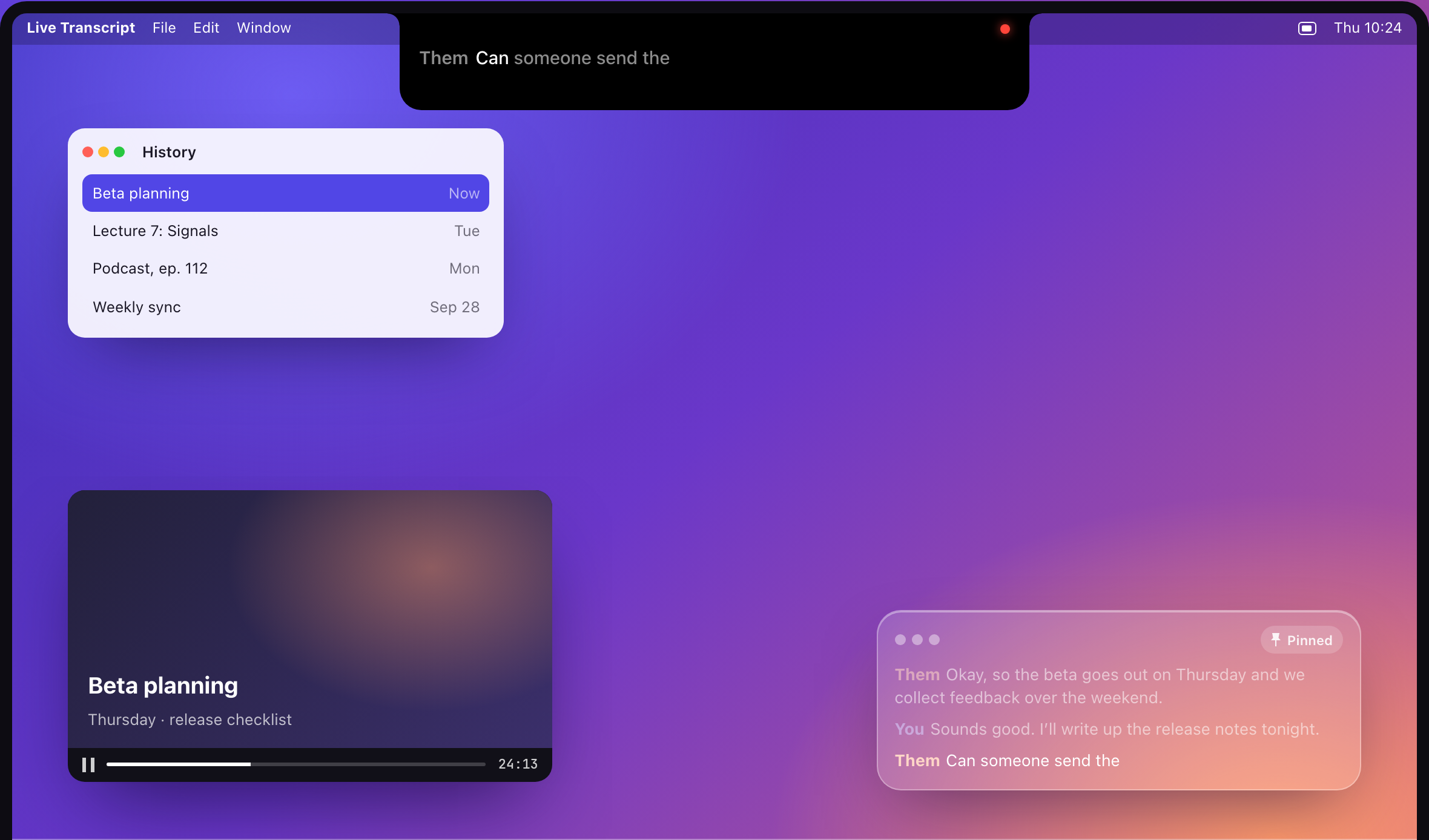
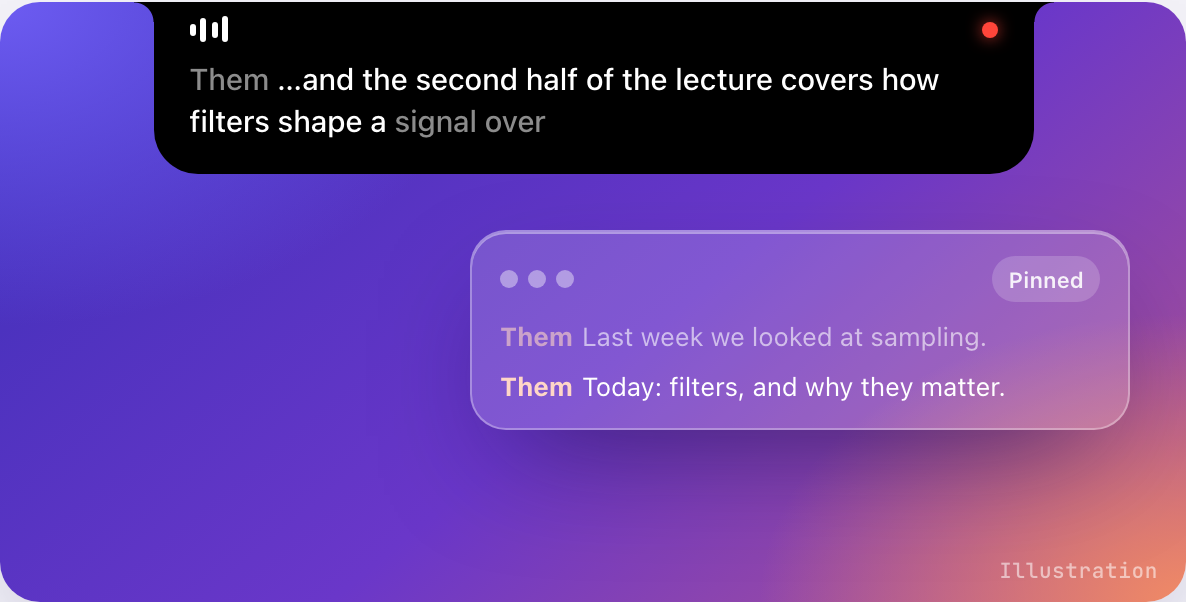
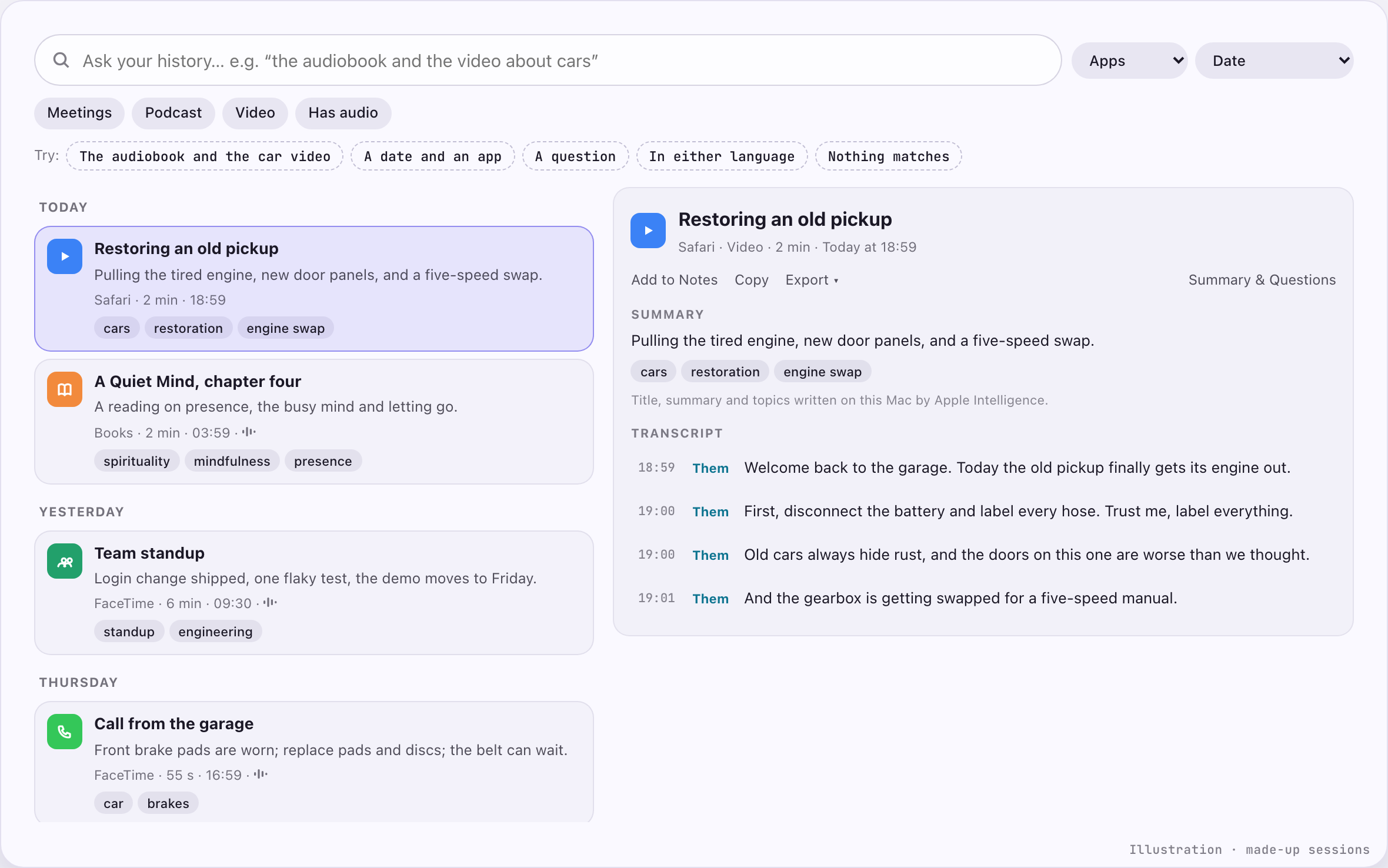
Real screenshots of the app are on their way and will be added here. Until then, please use the illustrations below and credit them as illustrations.
Illustrations
These are drawings from this website, built to look like the app; they are not screenshots, and the text in them is invented. Please label them as illustrations.

Promo film
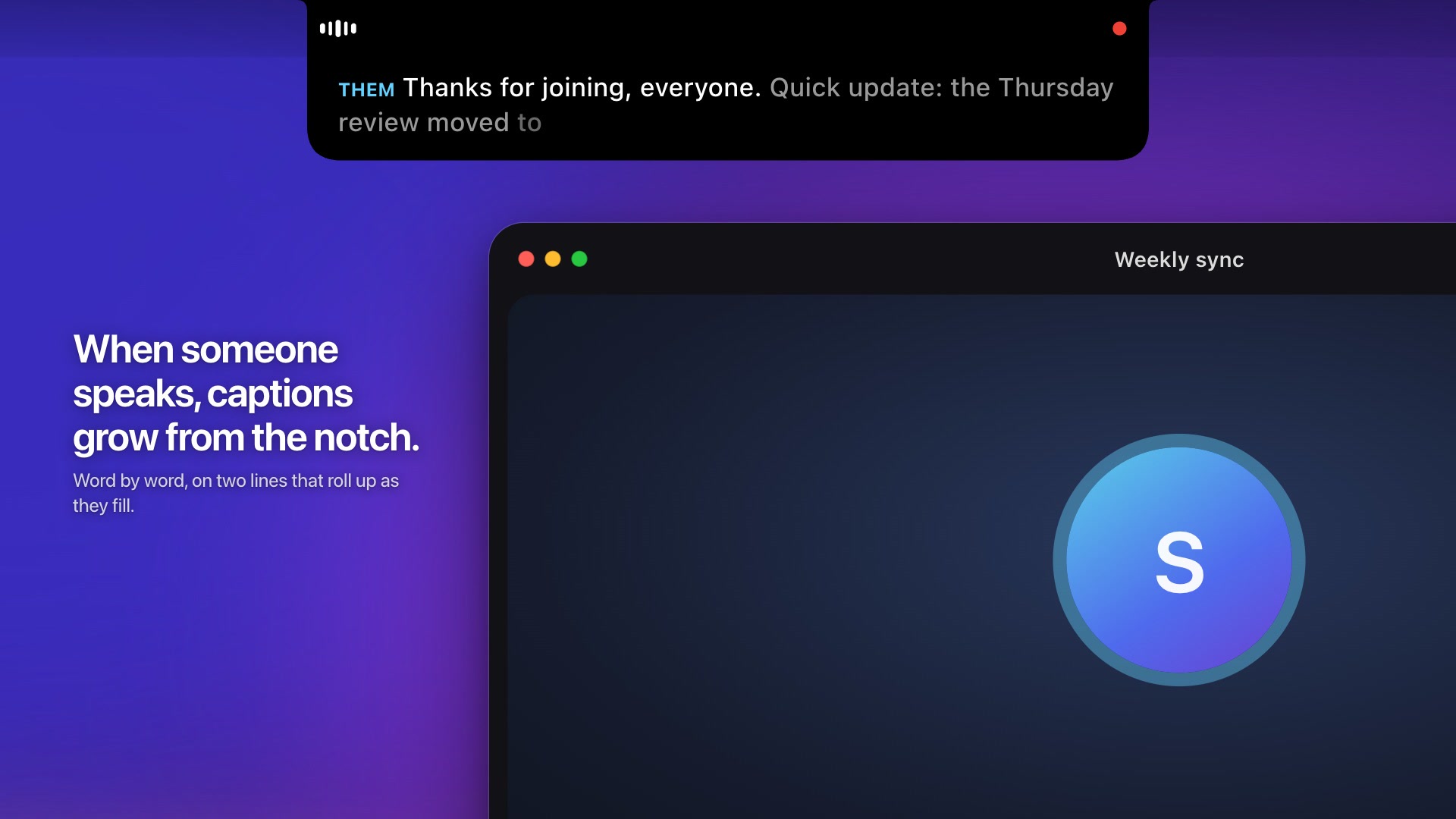
Watch it with sound on polytopic.systems, where it streams from Mux, the video host, only after you press play. Nothing loads from Mux on this page.
The picture on the left is a still from the film, which is animated, not a screenshot. Download the still (JPEG, 1920 × 1080).
Embed code (Mux player)
<iframe src="https://player.mux.com/01B3ZNtQb01Pe01ayJFZfduUp9yCjga0000g5Gh38yreDhmM" title="Live Transcript" style="width:100%;aspect-ratio:16/9;border:0" allow="fullscreen; picture-in-picture" allowfullscreen></iframe>
Contact
Questions, interviews or anything else: use the contact page at on.tires.